Manage finishes
Audience: operators · Scope: finish groups and the master finish list · Last reviewed: 2026-07-12
What this does — Finishes appear in two places: as swatches customers pick in the configurator (fixture finish, bezel, canopy…), and as the grouped list on the public Resources → Finishes page. This article explains the two admin screens that manage finishes and what each is for.
The two finish screens
- Finishes (menu: Finishes) — the finish groups that organise how finishes are presented, for example Wood Grain Finishes, Textured Metallic Finishes, Exterior Finishes. Use this to add, rename, and re-order the groups.
- Finishes in Answers (menu: Finishes in Answers) — the master list of individual finishes by internal name (for example Wood Grain – Dark Walnut, Black Metallic Textured), and how each one connects to the configurator's finish options. This screen is more specialist.
Before you start
- Be signed in — see Log in to the admin area.
Organise finish groups
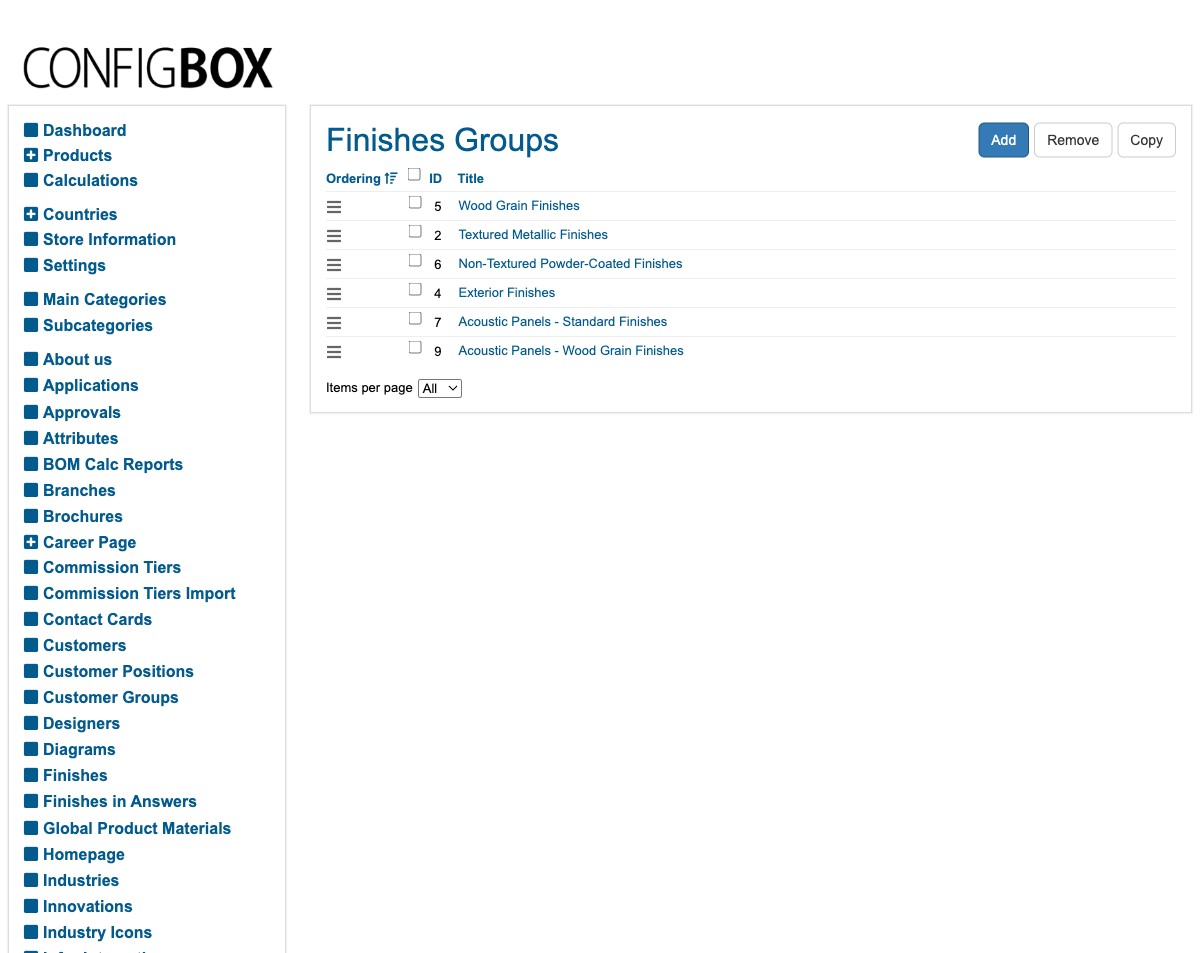
- Click Finishes in the menu. You get the list of finish groups.
- Click Add to create a group, or a group's title to rename it.
- Re-order groups by dragging the handle on the left of each row — the order here controls the order shown on the public Finishes page.
- Save.
The master finish list
- Click Finishes in Answers in the menu. Each row is a finish with its Internal Name.
- Open one to see how it's connected to the configurator's finish options.
Connecting a finish to the actual configurator swatches is a specialist mapping job. The screen lets you match a finish to the product options that represent it, filtered by group and listing. If you need to add a brand-new finish swatch to the configurator (not just rename or regroup an existing one), check with your Beta-Calco contact so it's wired up correctly across the affected products.
What happens next
- Changes to finish groups show on the public Resources → Finishes page (refresh the page if you don't see them immediately — see images & files on caching).
- The finish swatches in the configurator come from the products' options — see How it fits together.
Good to know
- Two different jobs. Renaming or re-grouping finishes for the public page is everyday work; adding a new swatch to the configurator and pricing it is specialist (it's really a configurator-option change).
- Order matters. The drag order of finish groups is the order customers see.
Screens and labels can differ slightly between environments — if a label doesn't match what you see, check with your Beta-Calco contact.